Every section of your site, ready to post.
Each one captured as its own clean PNG, with no selectors and no manual cropping. Reframe to any ratio and download the lot as a zip. Free, no signup.
Add your URLs
Add one URL or paste several at once. Parallel captures land as soon as each finishes.
Pick a viewport
Detection & options
Fast-forward animations, wait for scroll-triggers
Auto-hide cookie banners + consent modals
Convert fixed/sticky elements to static
From full page to section screenshots
A full-page screenshot is one long strip — hard to share, hard to drop in a deck. This splits any URL into clean, separate section screenshots.

Hard to drop in a deck, hard to compare — that's the whole thing in one file.
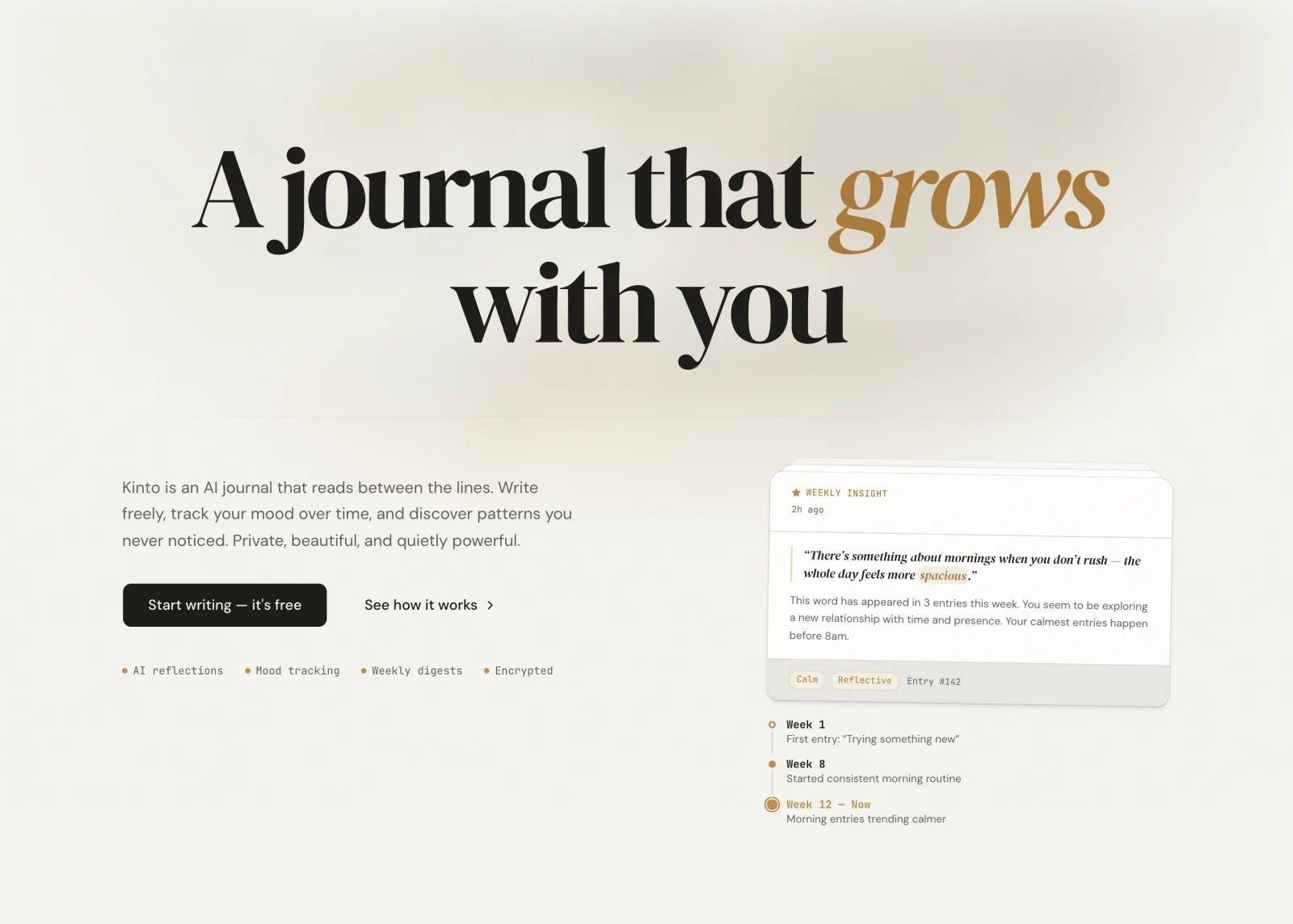
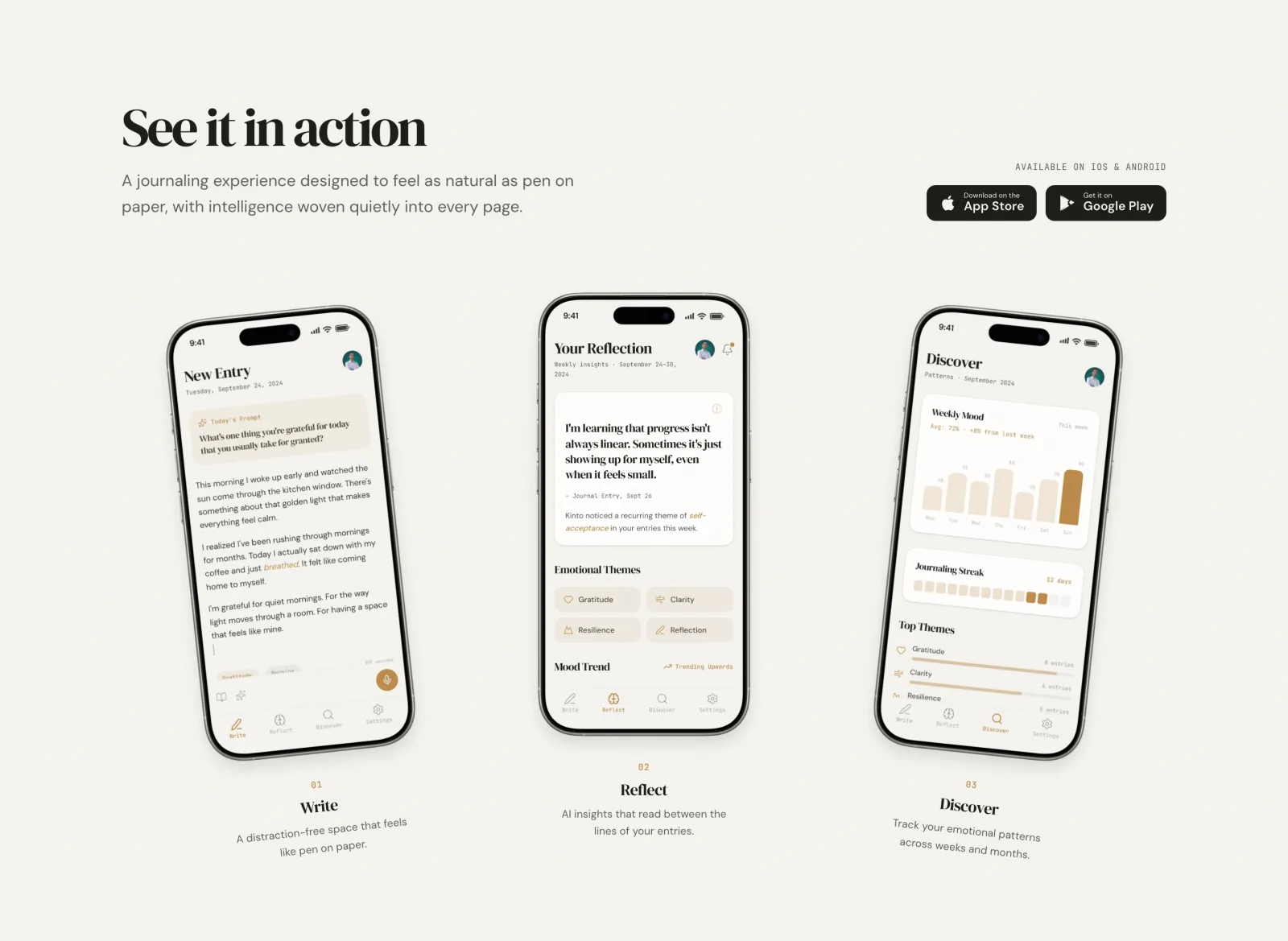
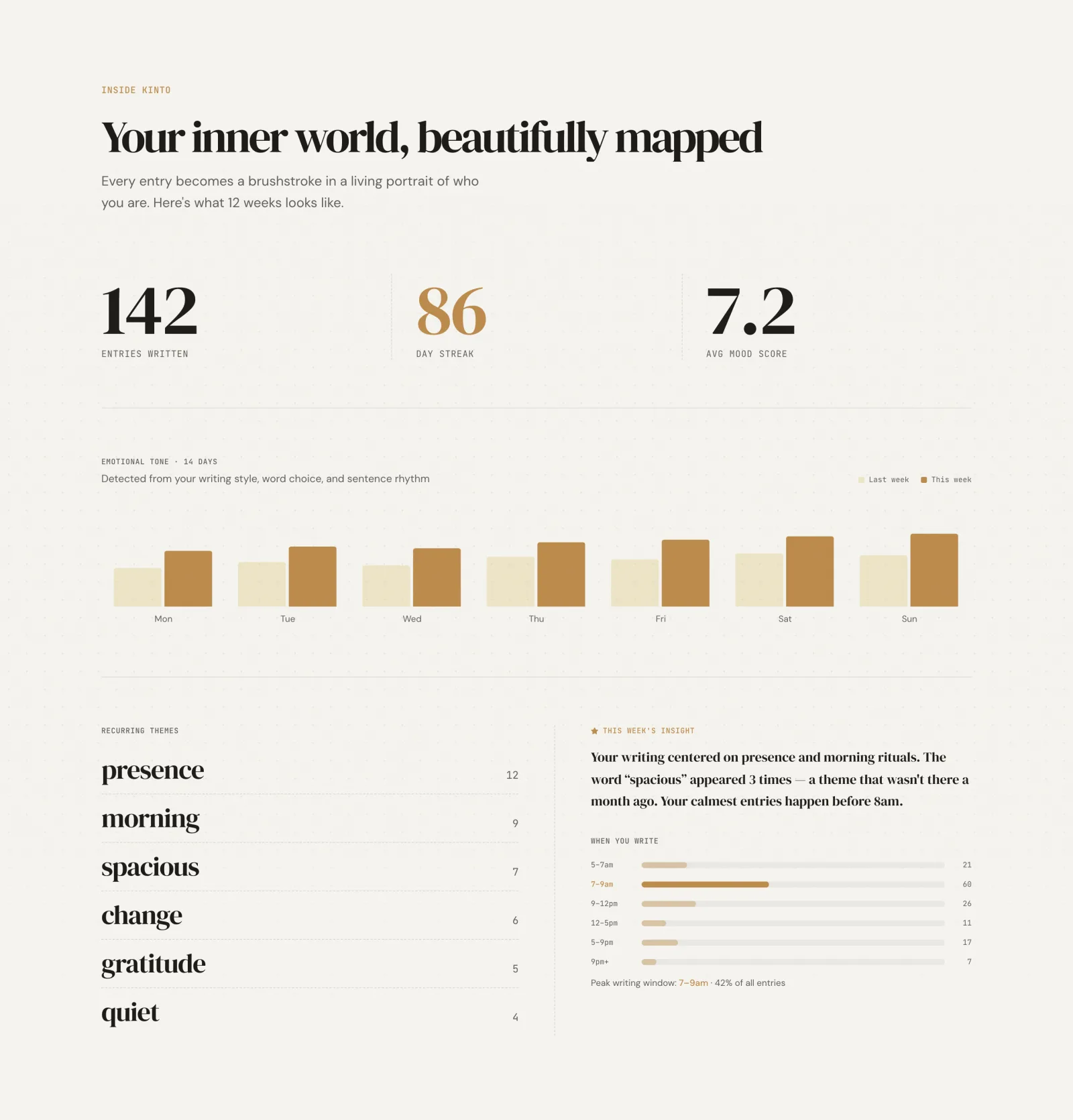
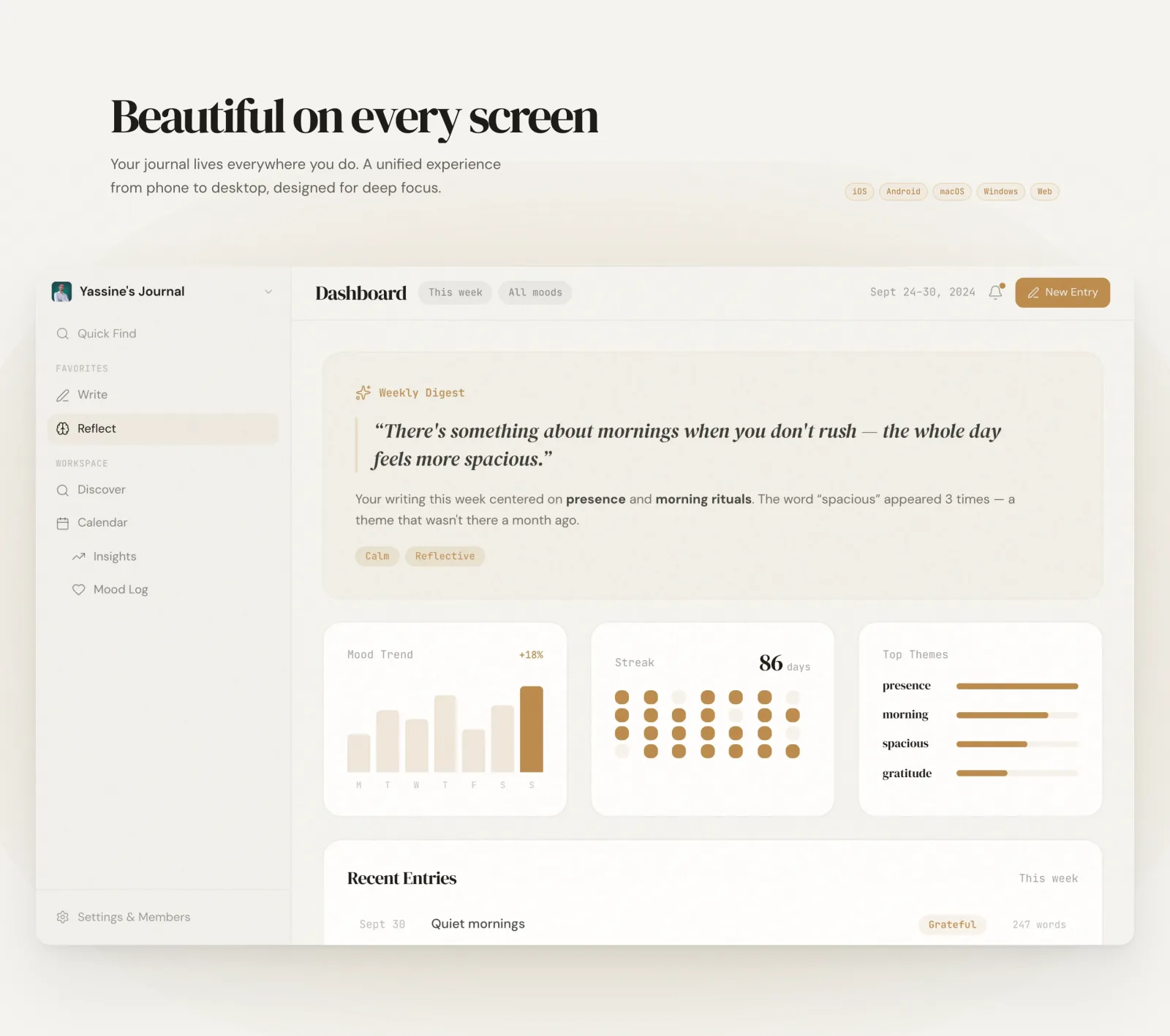
Slide-ready and comparable. Animations finished, lazy images loaded.
One URL in, sections out
Paste a link and get every section as its own clean PNG. No selectors, no dev tools, no manual cropping — Auto detection does the work.
Animation-aware
Framer Motion, GSAP and Lenis reveals are fast-forwarded and left to settle, so sections never get captured mid-transition or half-faded.
Free, no signup
No account, no watermark, no export caps. A soft limit of 5 captures per minute keeps the screenshot service healthy for everyone.
Good to know.
- What counts as a section?
- In Auto mode we detect <section> elements, the direct children of <main>, and anything marked role="region" or data-section. Switch to Selectors or Both to target your own CSS.
- Does it handle Framer Motion or GSAP?
- Yes. With “Animated site” on, animations are fast-forwarded and scroll-triggered reveals are given time to settle before the capture, so nothing lands half-animated.
- Can it capture pages behind a login?
- No. For safety we only capture publicly reachable URLs — private networks, localhost, and auth-walled pages are blocked.
- Some sections are missing or merged together.
- Switch to Selectors or Both mode and pass the exact CSS selectors you want, or adjust the viewport width so the layout matches what you see in the browser.
- Is it really free?
- Yes — no signup and no watermark. There's a soft rate limit of 5 captures per minute per IP so the shared screenshot service stays fast.
- What is Reelfolio?
- Reelfolio turns those section shots into an animated video portfolio in about 60 seconds. Capture them here, then send them straight over.
Pick a template. Watch it run.
Hover any template to preview its motion. Then send your screenshots to Reelfolio and ship the reel.